Payment links
Send a link. Take the payment.
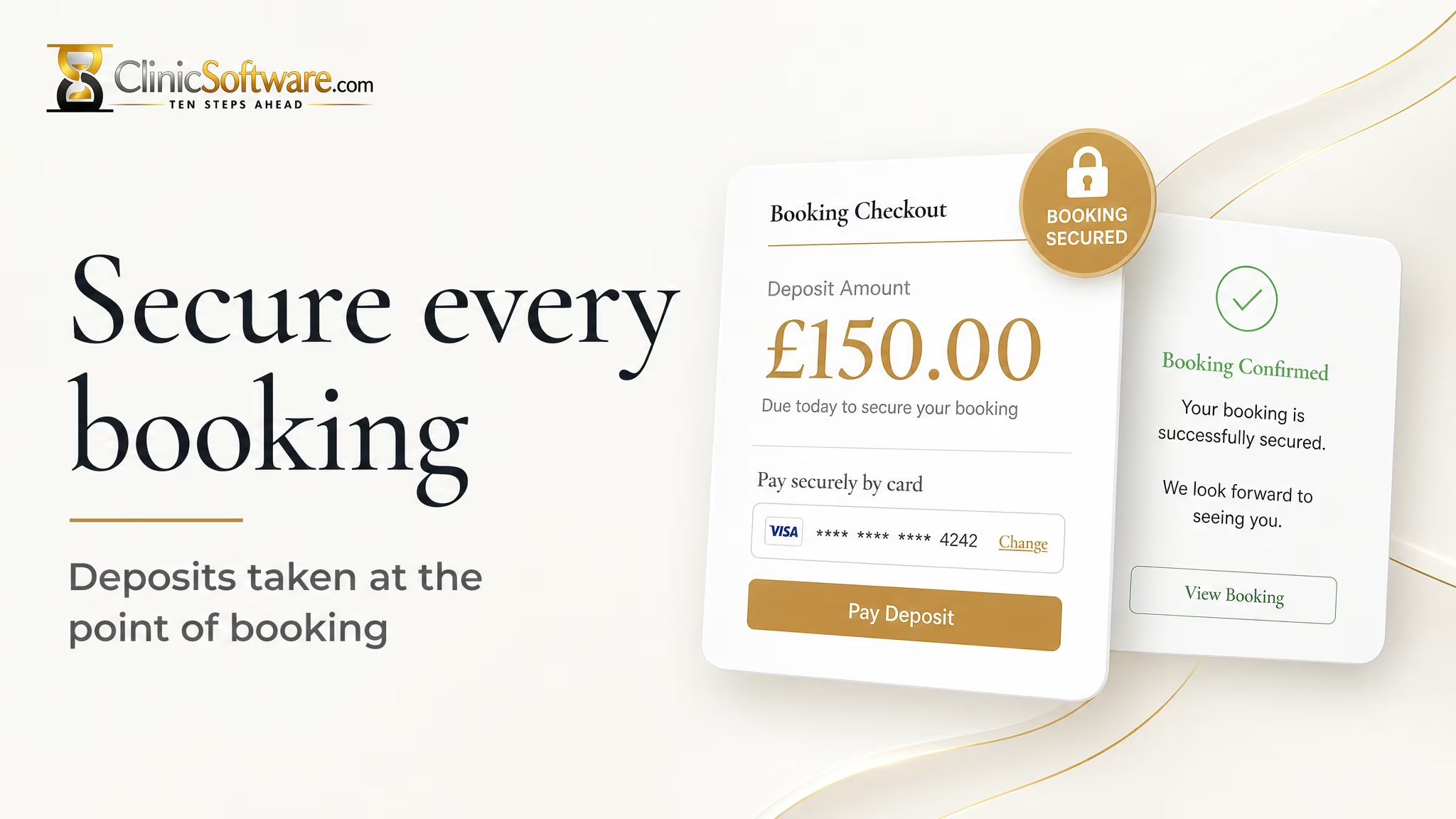
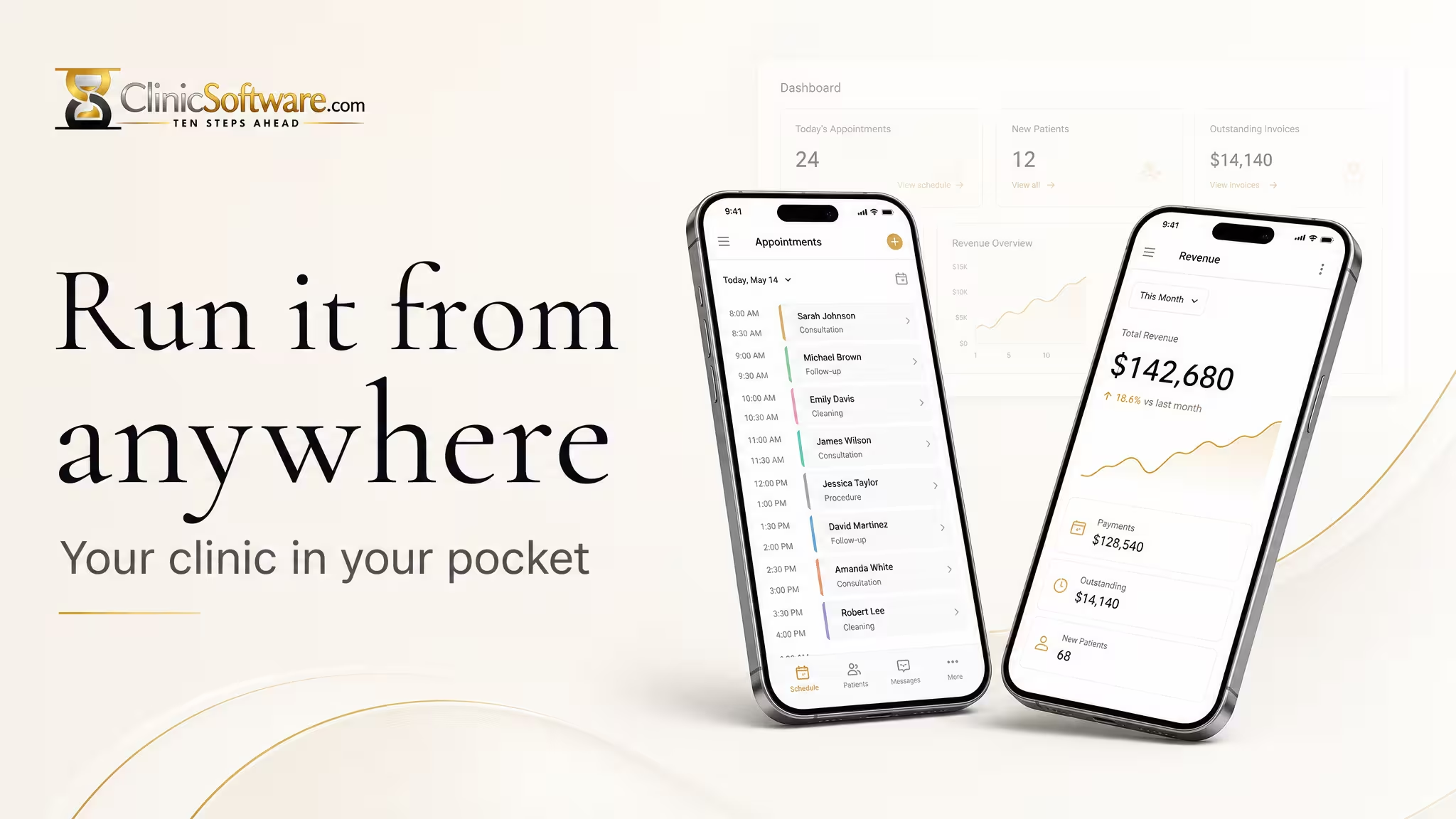
The deposit is collected when they book — online, with no card numbers read over the phone. The same balance can be taken later on the mobile app, at the desk or between appointments.
 Mobile APP
Buildler AI Builder
Tell Buildler what you want in plain language, and it lays out the pages, the logic, and the backend — no coding required.
card 2 — pending AI fill
Payment links
The deposit is collected when they book — online, with no card numbers read over the phone. The same balance can be taken later on the mobile app, at the desk or between appointments.
Reserve with Google
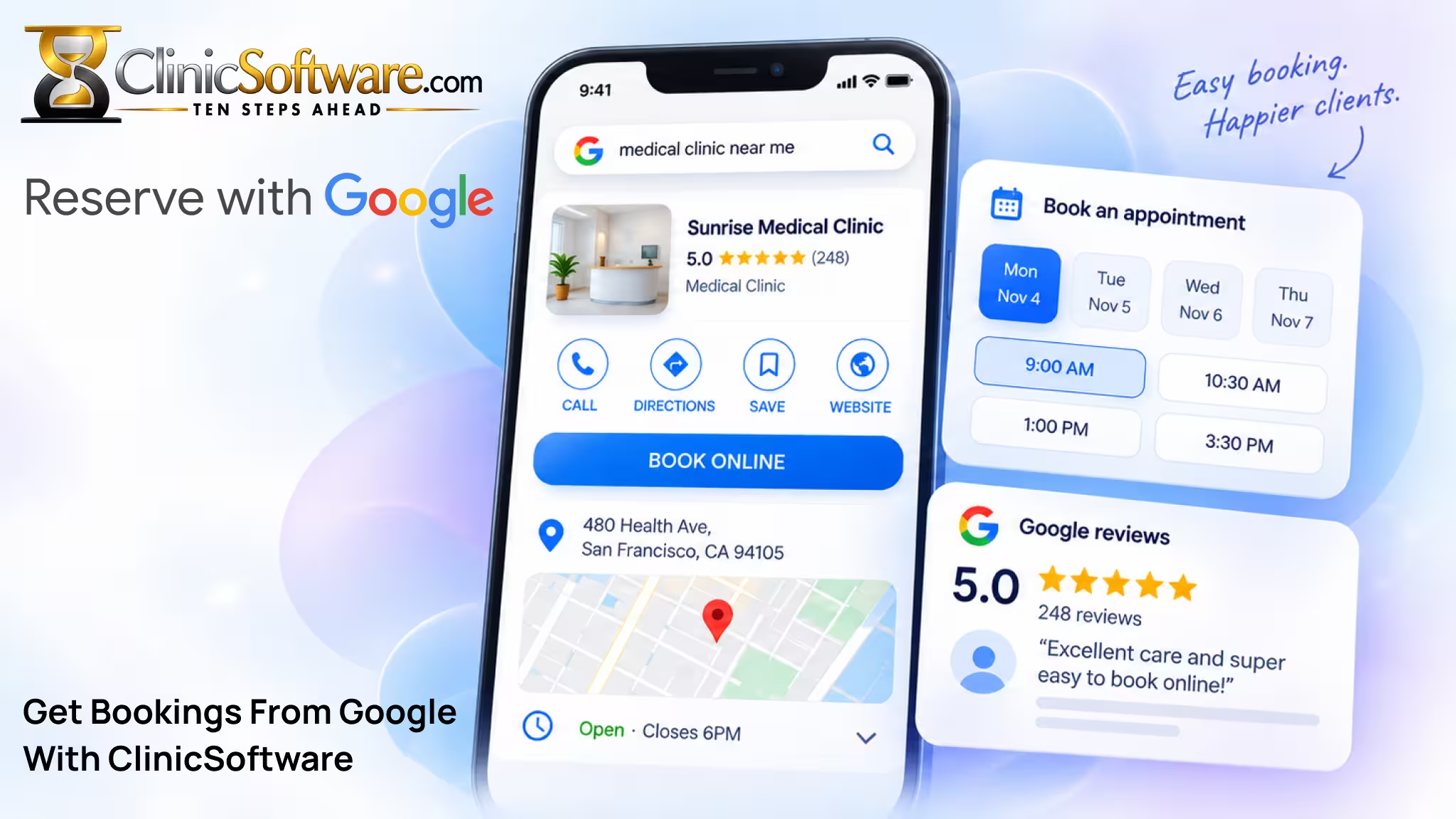
Reserve with Google adds a booking button on Search and Maps. The appointment is written onto the staff diary your team already uses, so nothing is double-booked and nothing is retyped.
Four ways to get online
Want to get live today?
Pick a professionally designed template built for your business type and launch the same day.
Browse templates →Feel creative?
Describe your idea and Buildler designs, writes, and assembles the site with you, prompt by prompt.
Start building →WordPress fan?
Bring your own WordPress site — our theme and booking plugin add scheduling, payments, and CRM sync.
Get the WordPress plugin →Shopify fan?
Add appointment booking, packages, and CRM sync directly on top of your existing Shopify store.
Get the Shopify plugin →Website & CRM
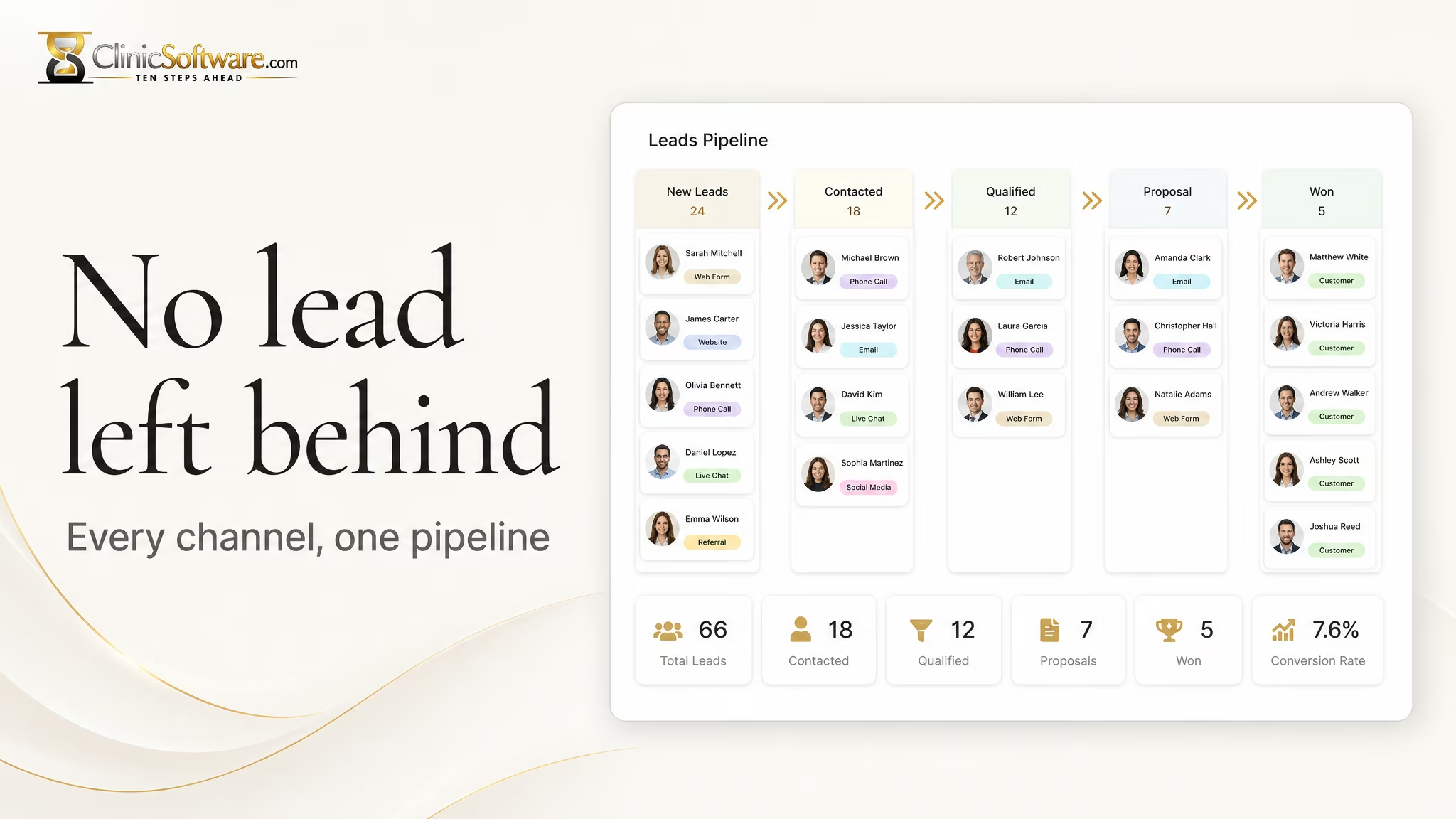
A booking, a form, a message from the page — each one becomes a lead on the pipeline. Nobody copies it into a spreadsheet afterwards.
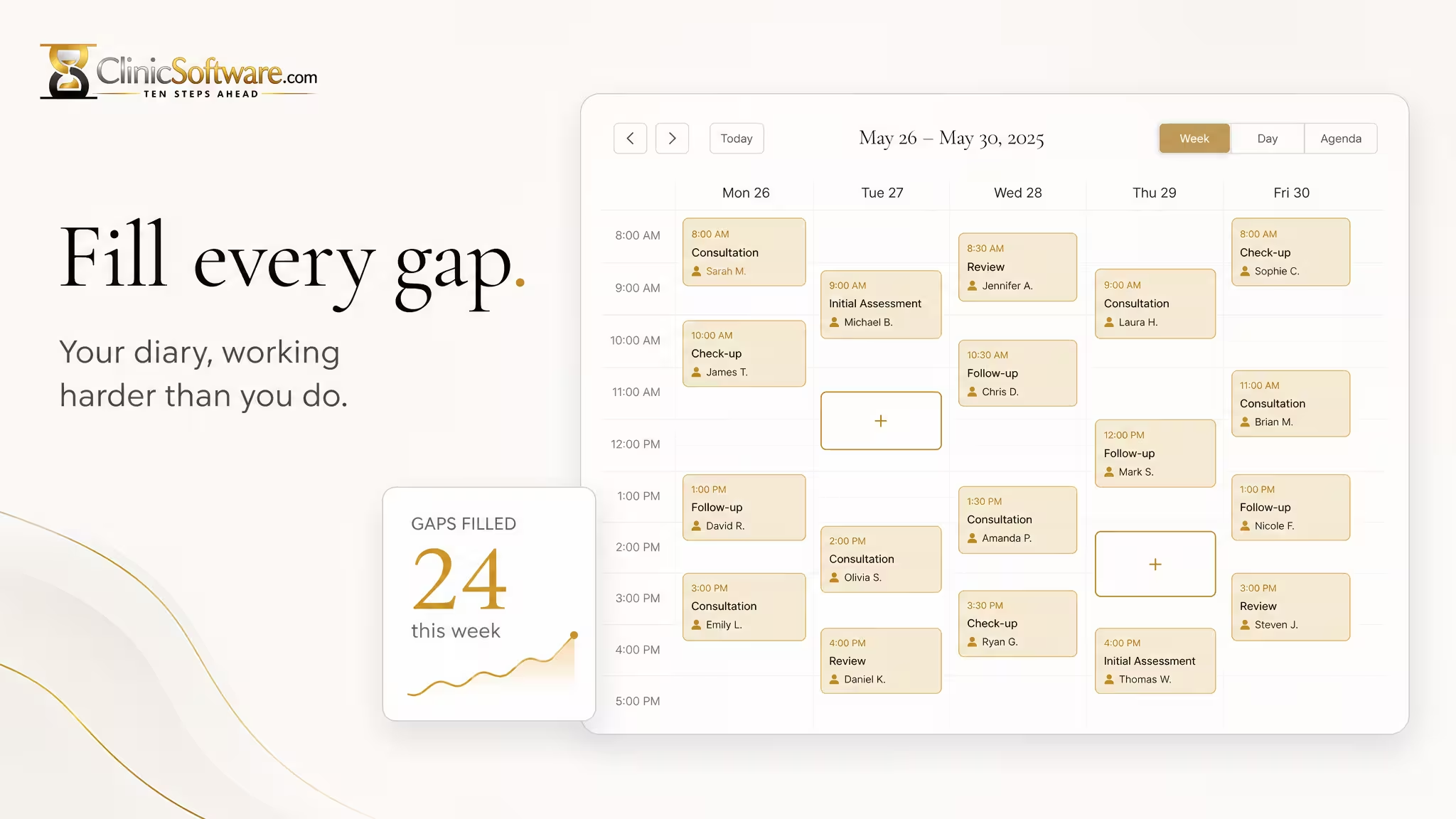
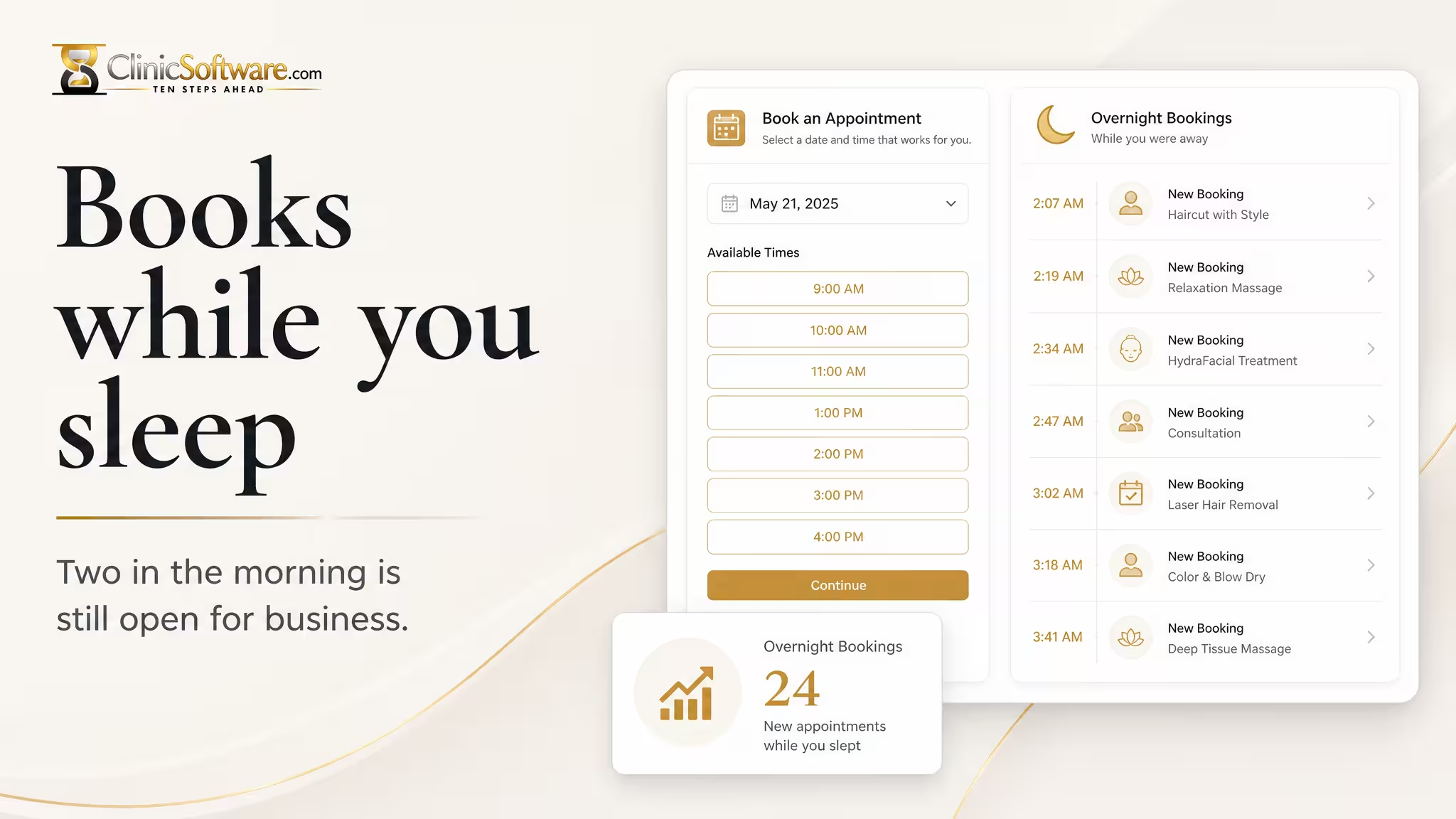

Get bookings 24/7
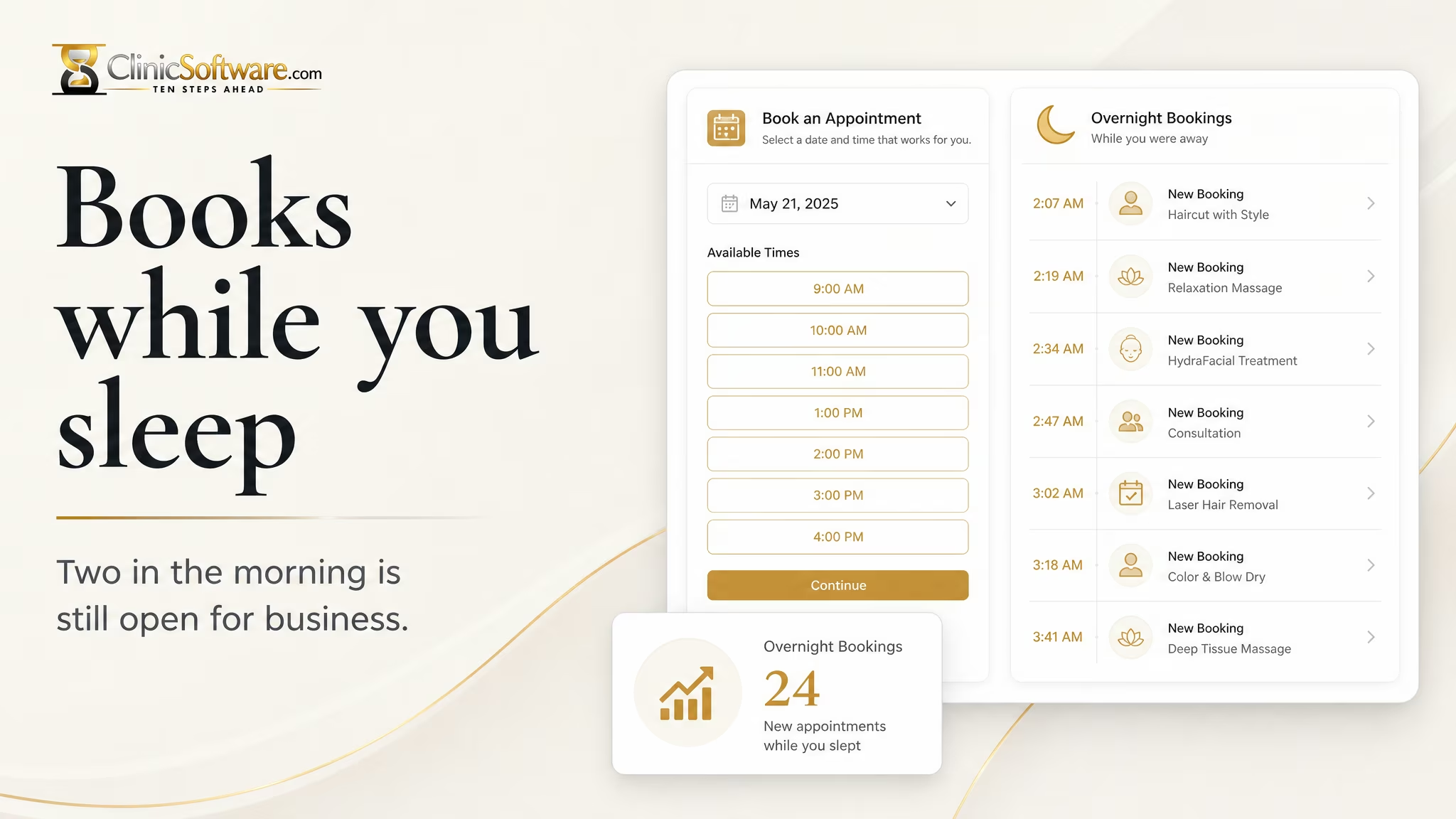
People book in the evening and on Sunday morning. They pick a time on the site, and the appointment is in the diary when you open.
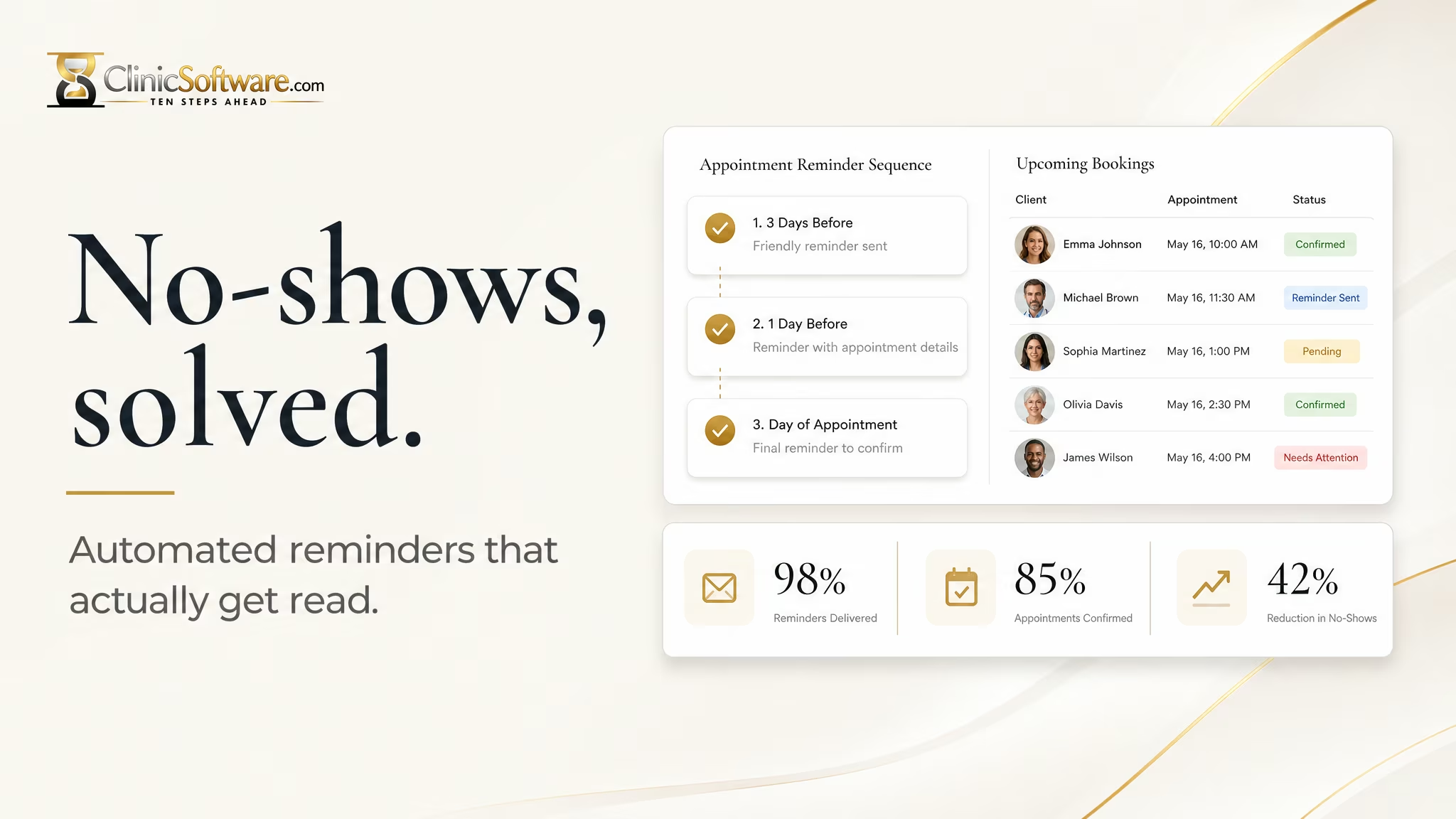
Confirmations & reminders
The confirmation goes out the moment they book. Reminders follow three days before, the day before, and on the morning of the visit.
Why Buildler
Describe your project and Buildler lays out pages, sections, starter copy, and images. Stuck? Template prompts get you moving again.
Refine layout, tone, and visuals yourself or ask the AI. Every change carries across your whole project automatically.
Hosting, SSL, forms, and analytics come included. Launch a professional site without writing a line of code — export your code anytime.
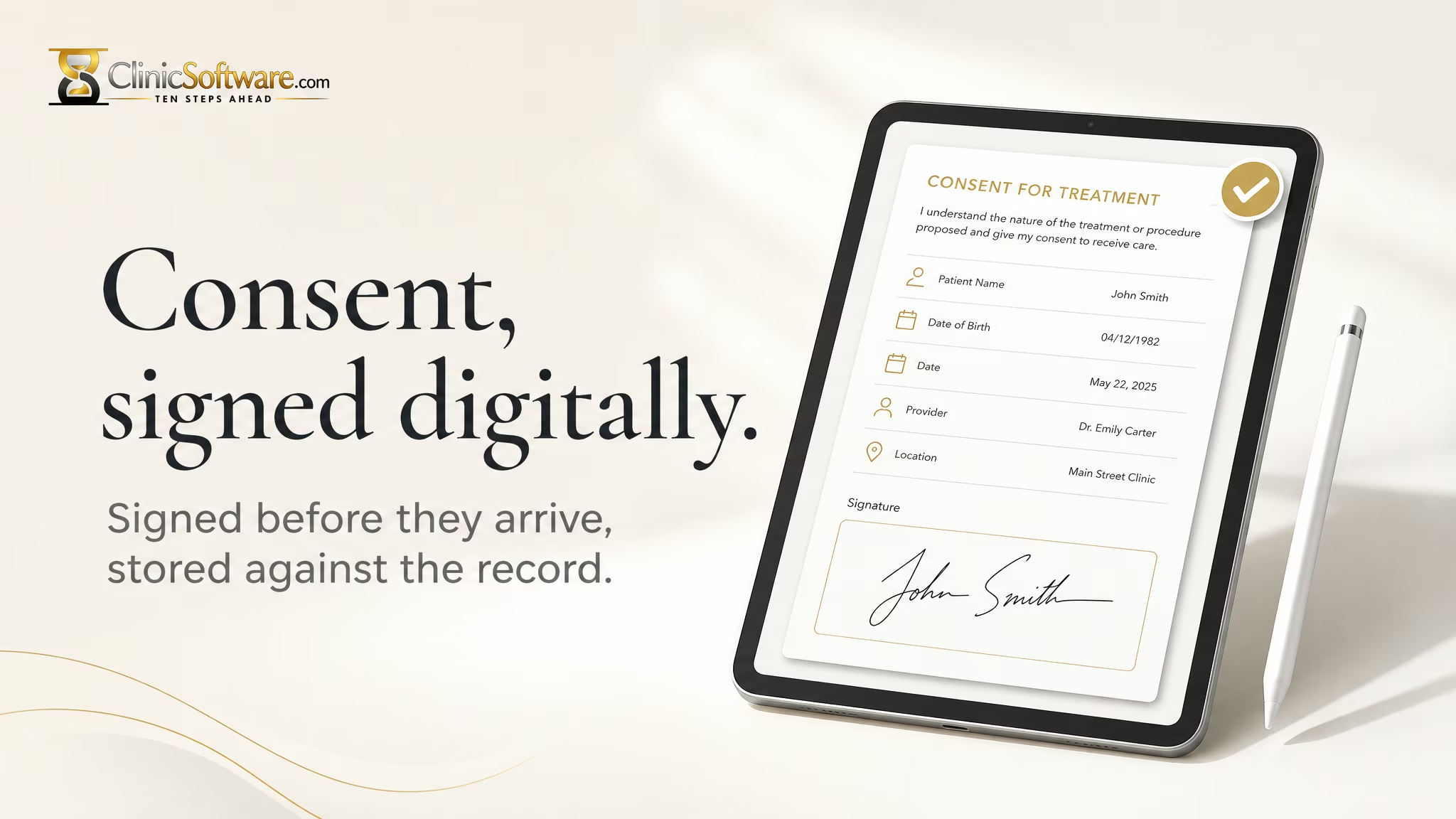
Consent forms
Send consent with the booking. It comes back signed and timestamped, attached to the client record, and the appointment starts on time.
Getting started
Type your idea in plain language, in any language, and watch it come to life.
Guided, conversational prompts help you revise until it's exactly right.
Connect your domain and publish — hosting and security are already handled.
Solutions by industry
Client portals, intake forms, and secure document sharing.
A site for your books, your readings, and your mailing list.
Booking, service menus, and before-and-after galleries.
Show your work the way you want it seen.
RSVPs, schedules, and ticketing for any occasion.
Menus, online ordering, and reservations.
Quote requests, service areas, and job scheduling.
Practice pages, consultation booking, and case intake.
Looking for a specific business type? We cover 6,432 of them across 24 industries.
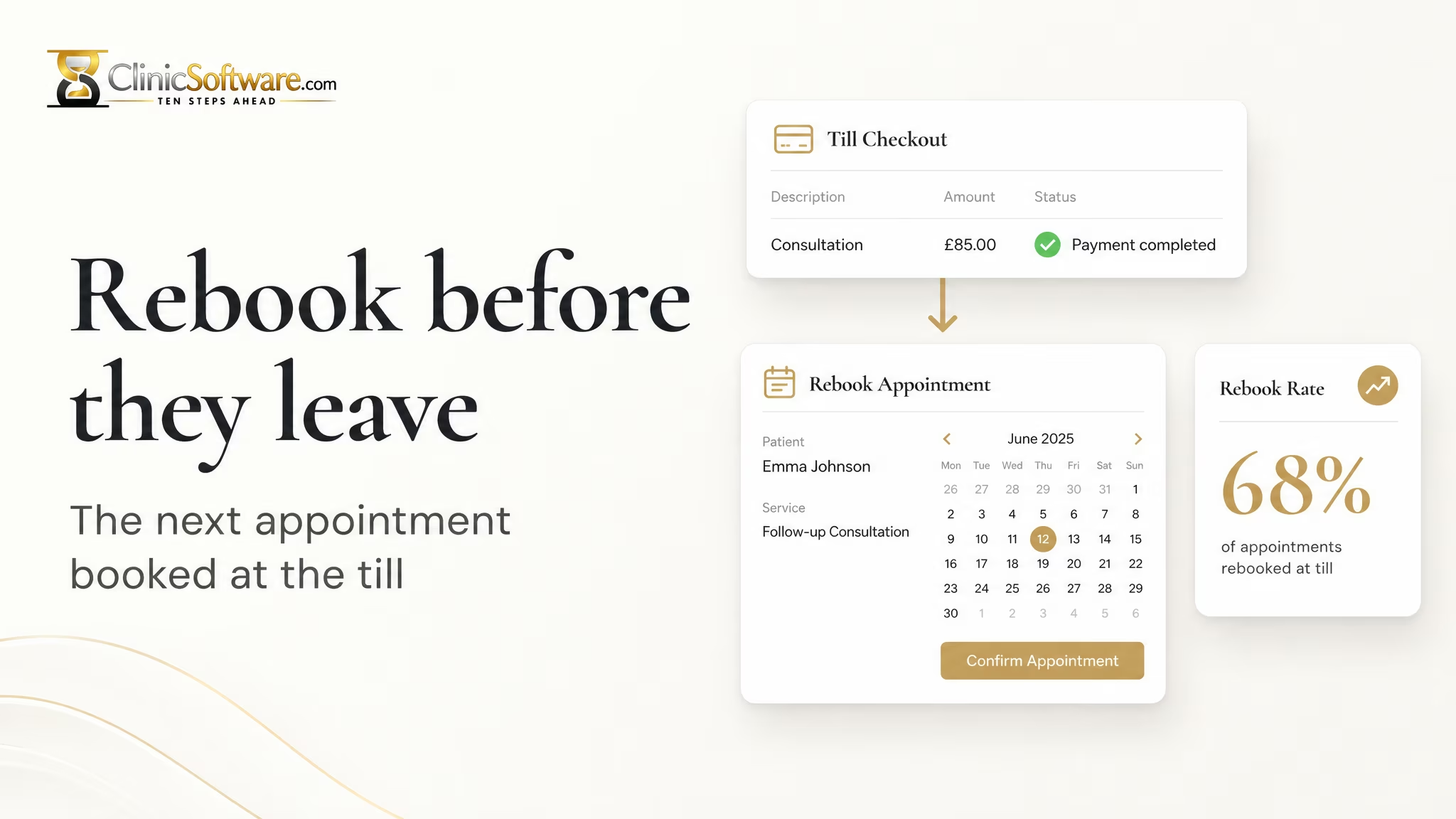
Browse the full business directory →Next booking
The next appointment is offered at the till, then again afterwards if they left without booking. The second conversation is where most treatments are sold.
FAQ
No. Buildler is designed for all skill levels — from first-time builders to developers who want to move faster with natural language.
Landing pages, portfolios, online stores, booking systems, directories, and business dashboards. If you can describe it, Buildler can build it.
Yes. You can view the generated code and make manual edits any time you want to fine-tune something directly.
Yes, you can connect your own domain to any published project.
You do. Everything you build with Buildler belongs to you, and you can export it at any time.
Start for free — no credit card required, upgrade only when you're ready to grow.